Beige Abstract PowerPoint Template #581
Need a finished presentation?
Type a topic and our AI builds a complete deck in one of our designs.
Coming soon in your region.
Advertisement
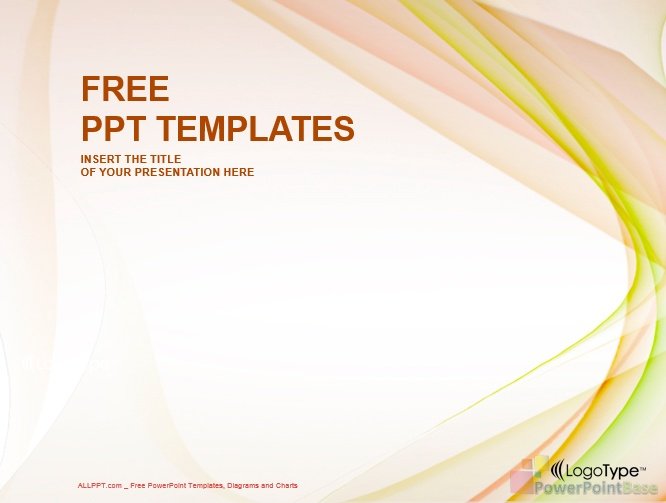
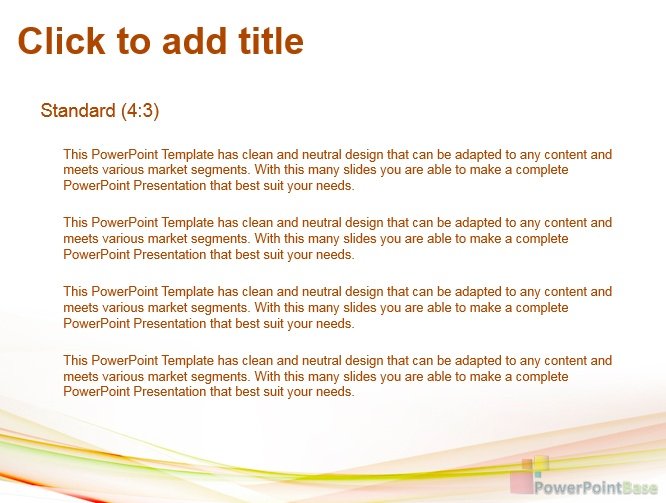
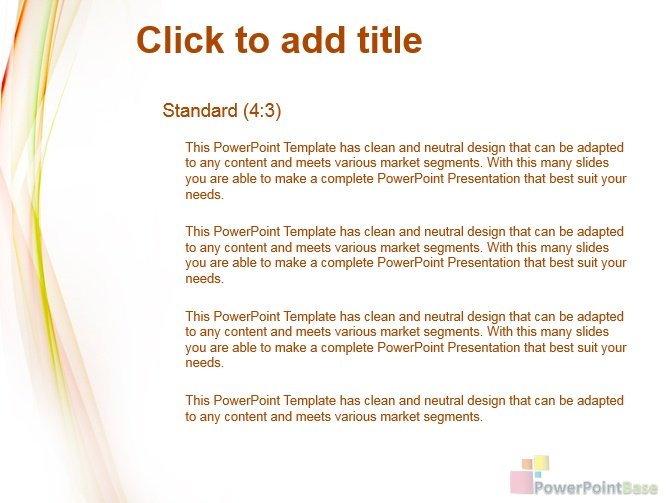
Beige Abstract PowerPoint Template #581 from the Abstract category uses beige as its main color.
It has been viewed 47,984 times and downloaded 16,006 times. This template shows: abstraction.
Beige is a calm, neutral base that keeps slides clean and soft. Tips for a beige template:
- Set titles and body text in dark brown or charcoal for clear contrast.
- Add one accent color such as navy, olive green or terracotta.
- Choose warm toned photos so they match the background.
- Avoid light gray or pale yellow text, which fades on beige.
Abstract PowerPoint templates give a presentation a modern, stylish look with backgrounds, lines, shapes, curves and unusual color combinations.
You can download this template in the classic 4:3 format.
It includes several slide layouts that you can apply to as many slides as your presentation needs. Download it free, with no sign-up.
MagicDiagram · our project
Add free diagrams to your presentation
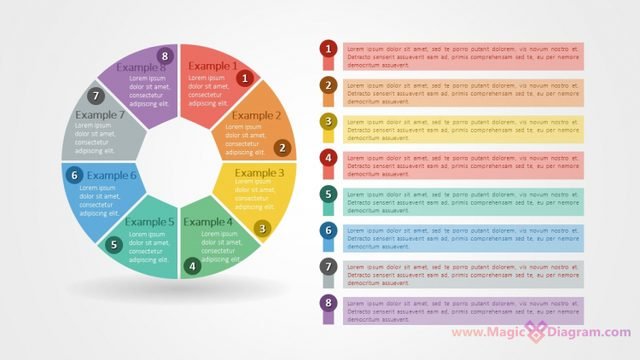
Free PowerPoint infographics from MagicDiagram, our sister site. Download a slide, paste it into your presentation, and replace the text.
Advertisement
Download template 581.zip
This PowerPoint template is free for personal and commercial projects. A link back to PowerPointBase as the source is appreciated.
Please do not repost our templates or other materials on other websites.