
AI presentation maker What presentation shall we make?
Free, no sign-up. A finished PowerPoint file with text and speaker notes.
Advertisement
Free, no sign-up. A finished PowerPoint file with text and speaker notes.
Write what you need: the topic, who it is for and what matters.
We pick a design and write the text for every slide plus speaker notes.
Ask for changes in the chat or edit the text yourself, then download the PowerPoint file.
Example: "Photosynthesis" in the School design.
 1Cover
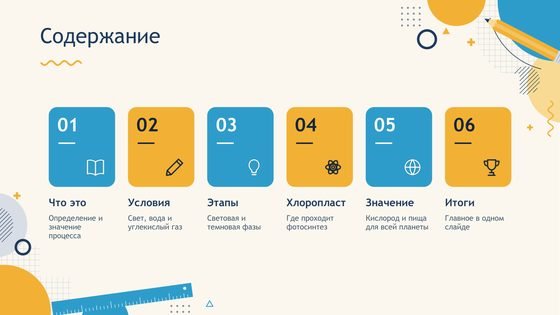 2Agenda
 3Section
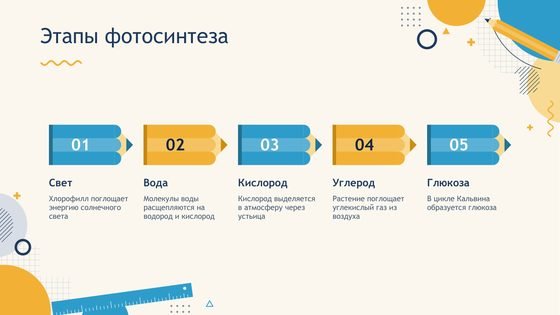 4Stages
 5Cycle
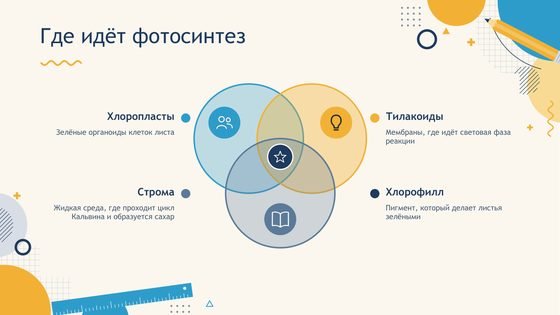 6Diagram
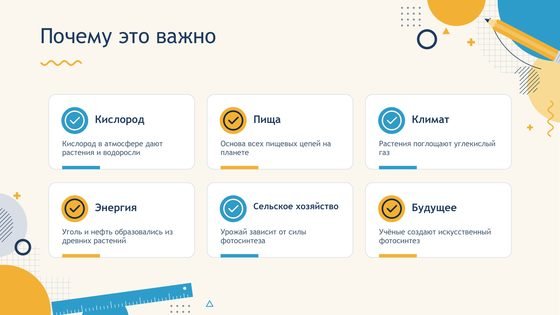 7Key points
 8Closing slide
Yes. Creating and downloading are free and you do not need an account. You can make up to 5 presentations and up to 20 revisions a day.
You do not have to: we pick one that fits your topic from our collection of free templates. Want to choose yourself? Tap "Design: auto" and pick any design, or ask for "Another design" after the deck is made.
Yes. Tell the chat what to change: "make it shorter", "add a slide about the causes", "simpler, for 5th grade". Or open "Edit text" and change any slide yourself. The file itself is a normal PowerPoint file.
Yes. For every slide we write two to four sentences about what to say. They sit in the speaker notes: under the slide in PowerPoint, and only you see them in Presenter View.
Yes. The .pptx file opens in PowerPoint, Google Slides and Keynote. If a font is missing on your computer, the app uses a similar one.
From 5 to 9, depending on the design: a cover, slides on your topic and a closing slide, plus an agenda and a section slide in the newer designs.
Nothing found. Try another word or number.
This takes about 10 seconds. While it is being made we show a short ad, and right after it we open your finished presentation.
Fix any text or rewrite a whole slide. The file is built from what you see here.