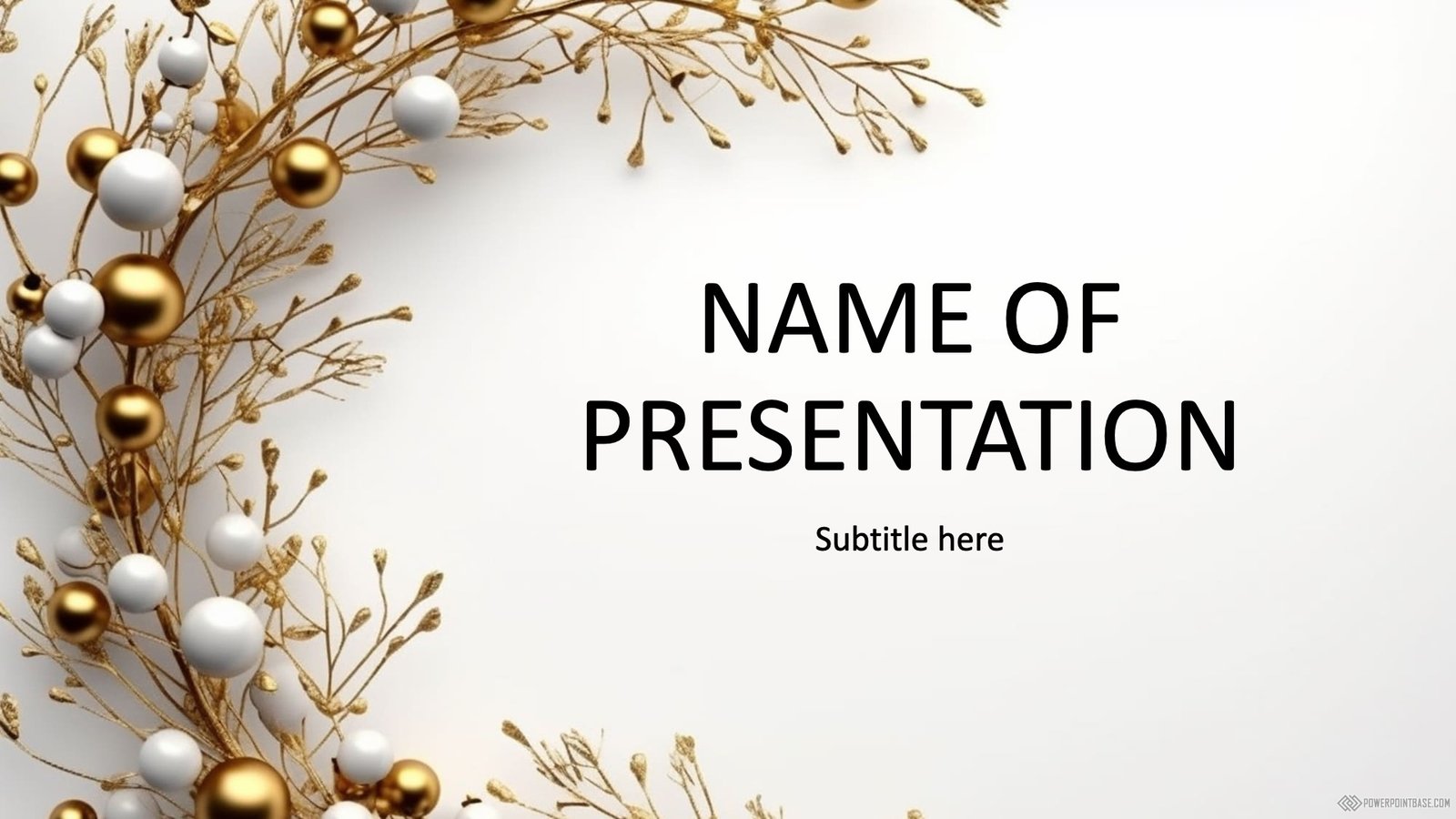
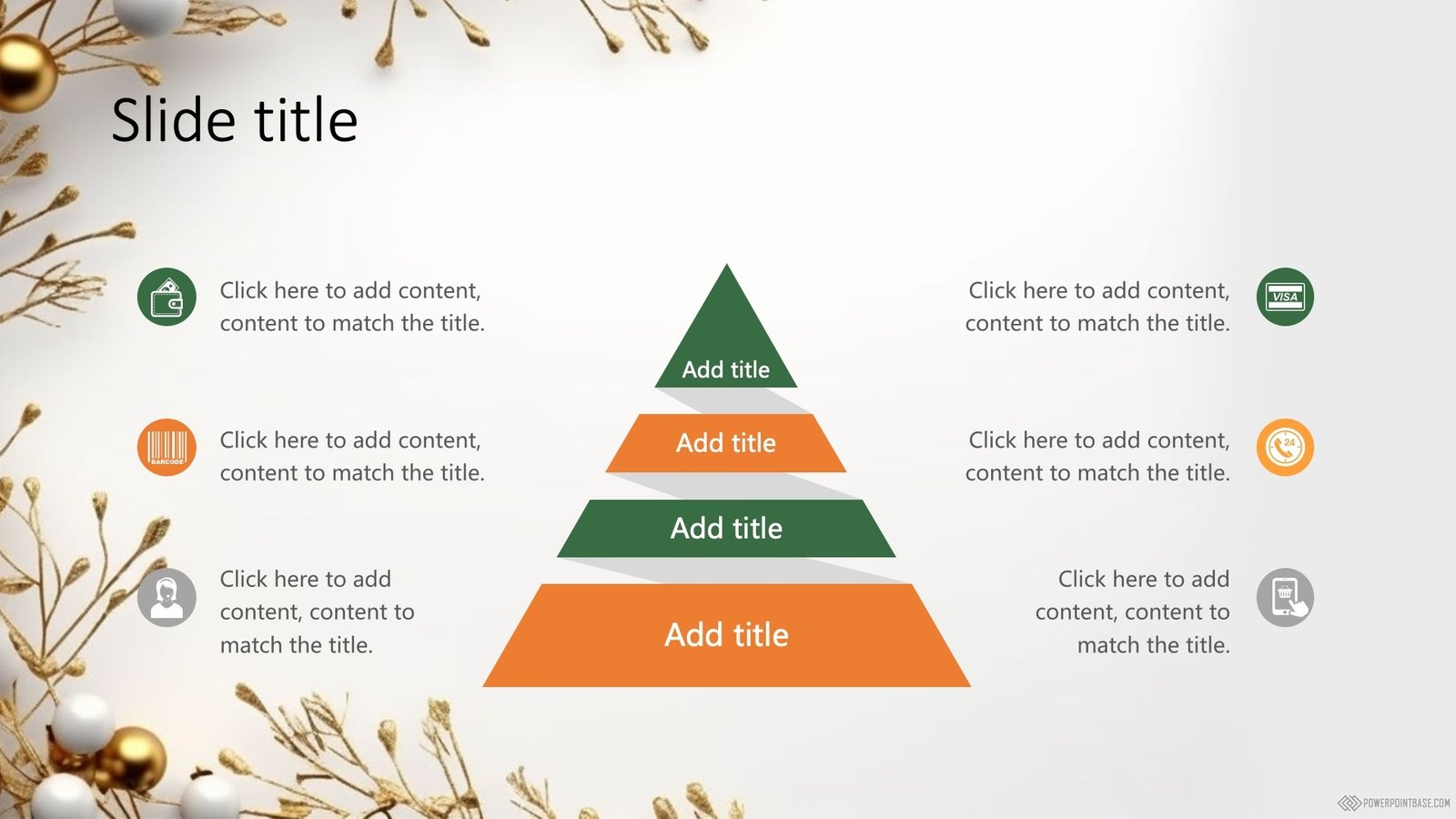
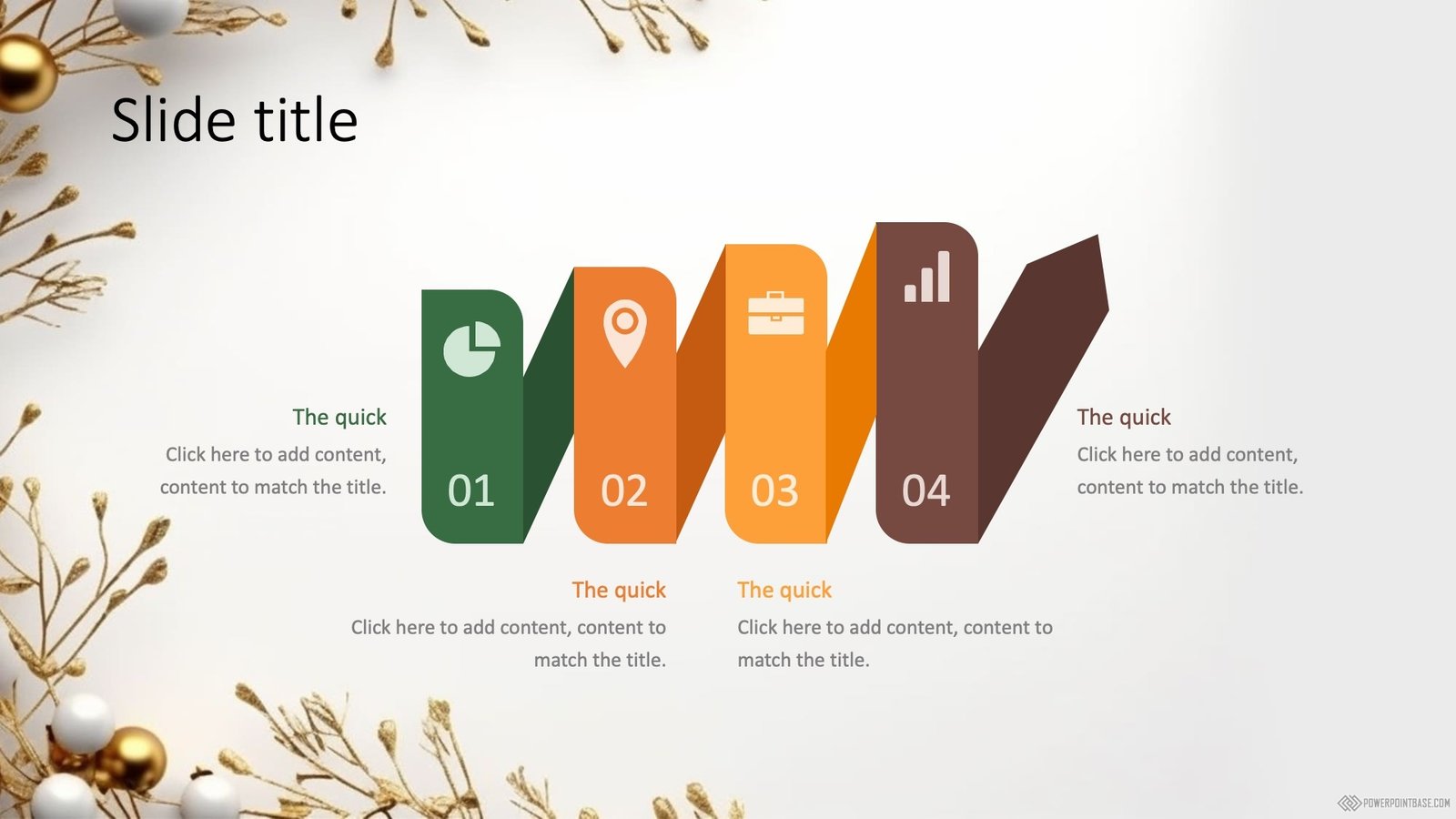
Gold Christmas PowerPoint Template with Ornaments #1115
More like this: Christmas and New Year templates.
Need a finished presentation?
Type a topic and our AI builds a complete deck in one of our designs.
Coming soon in your region.
Advertisement
Gold Christmas PowerPoint Template with Ornaments #1115 from the Holidays category uses gold as its main color and white as an accent color.
It has been viewed 14,222 times and downloaded 2,535 times. This template shows: New Year, Christmas, toys, balls.
Gold adds a sense of luxury, quality and celebration, popular for awards, holidays and premium brands. Tips for a gold template:
- Use gold for accents: lines, frames, icons and key numbers.
- Pair it with black, navy or deep green for an elegant look.
- Keep body text in a dark solid color, not gold.
- Use gold sparingly so it still feels special.
Holiday PowerPoint templates suit celebrations such as Christmas and New Year parties, Valentine's Day, Mother's Day and Halloween.
You can download this template in 16:9 format.
It includes several slide layouts that you can apply to as many slides as your presentation needs. Download it free, with no sign-up.
MagicDiagram · our project
Add free diagrams to your presentation
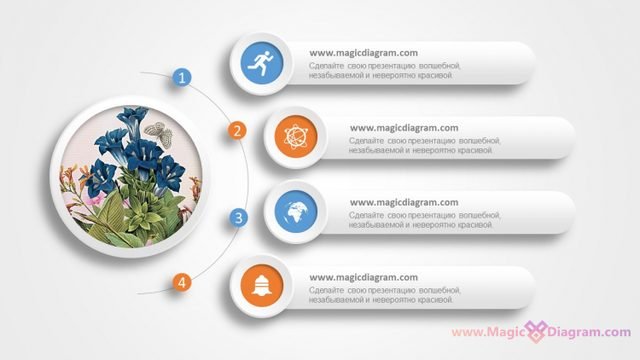
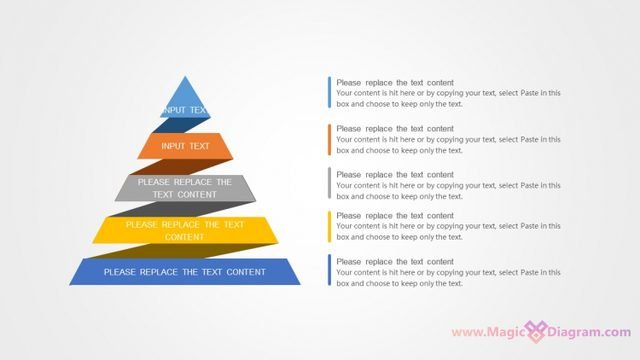
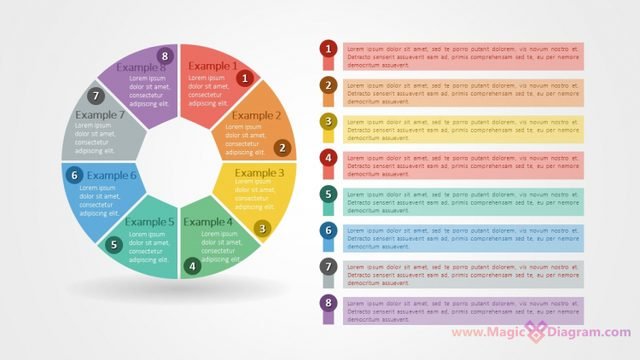
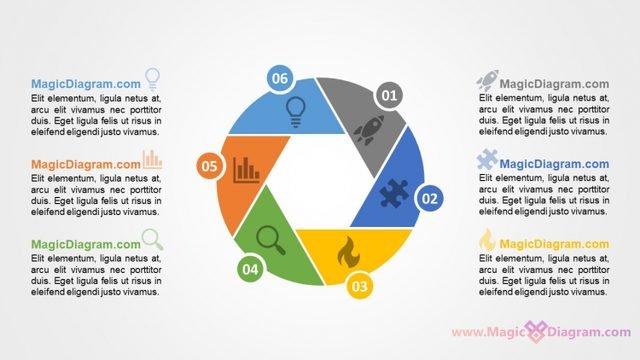
Free PowerPoint infographics from MagicDiagram, our sister site. Download a slide, paste it into your presentation, and replace the text.
Advertisement
16:9 format: Download template 1115-en.pptx
This PowerPoint template is free for personal and commercial projects. A link back to PowerPointBase as the source is appreciated.
Please do not repost our templates or other materials on other websites.