White Abstract PowerPoint Template with Waves #1078

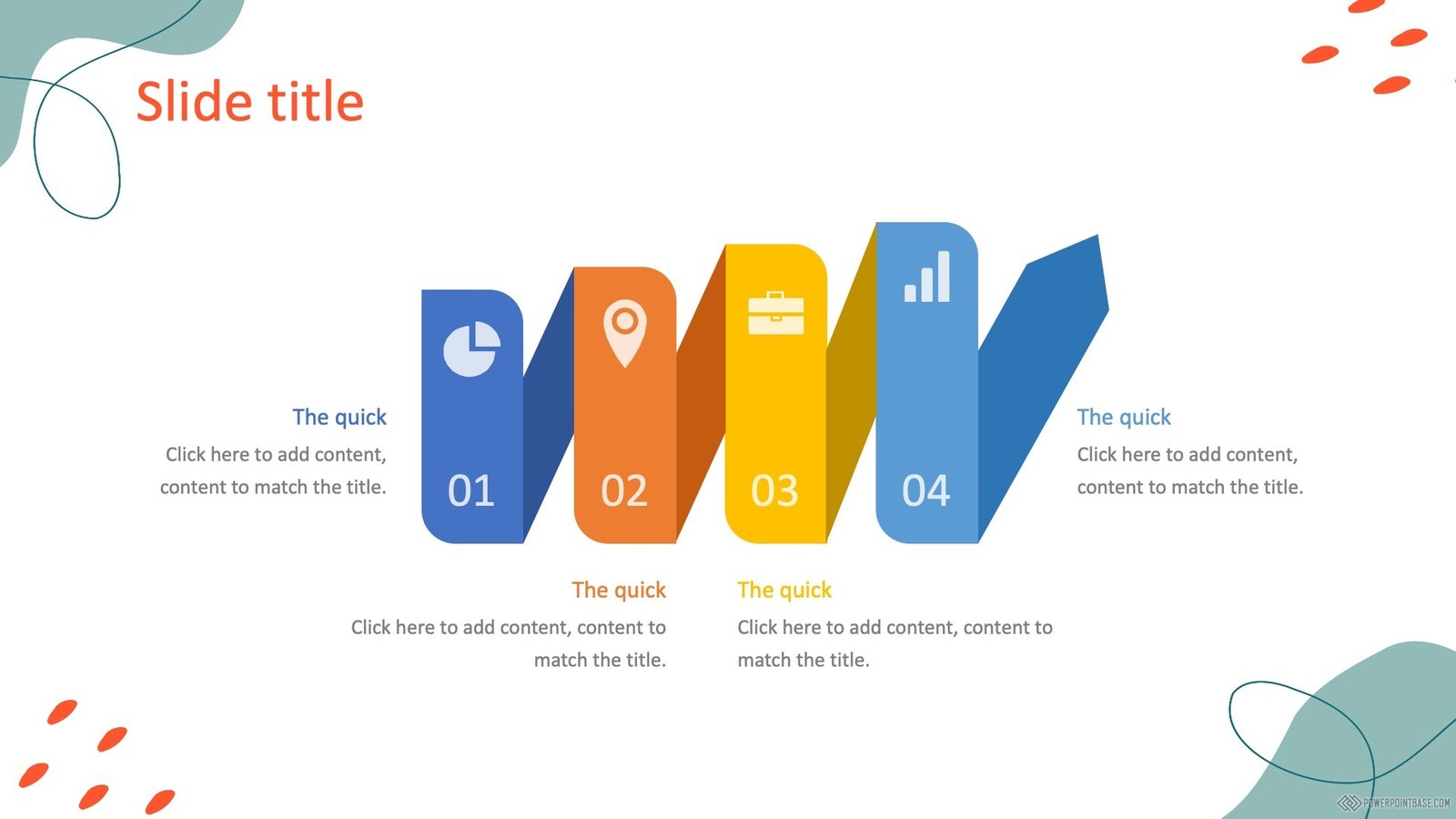
Need a finished presentation?
Type a topic and our AI builds a complete deck in one of our designs.
Coming soon in your region.
Advertisement
White Abstract PowerPoint Template with Waves #1078 from the Abstract category uses white as its main color and yellow and green as an accent color.
It has been viewed 184,181 times and downloaded 41,743 times. This template shows: waves.
White is the most flexible background: it looks clean, prints well and lets photos and charts stand out. Tips for a white template:
- Use one or two brand colors for titles, icons and charts.
- Leave plenty of empty space so the slide breathes.
- Use dark gray instead of pure black text for a softer look.
- Add thin lines or light shapes to separate sections.
Abstract PowerPoint templates give a presentation a modern, stylish look with backgrounds, lines, shapes, curves and unusual color combinations.
You can download this template in 16:9 format.
It includes several slide layouts that you can apply to as many slides as your presentation needs. Download it free, with no sign-up.
MagicDiagram · our project
Add free diagrams to your presentation
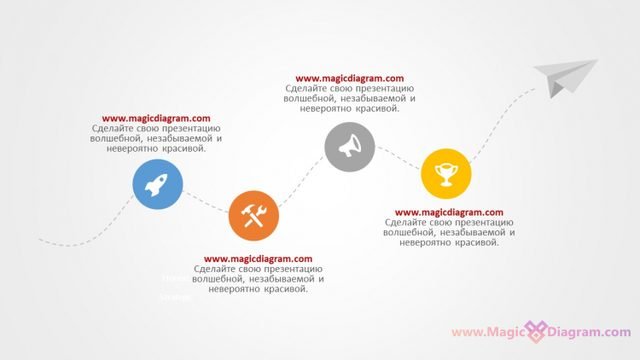
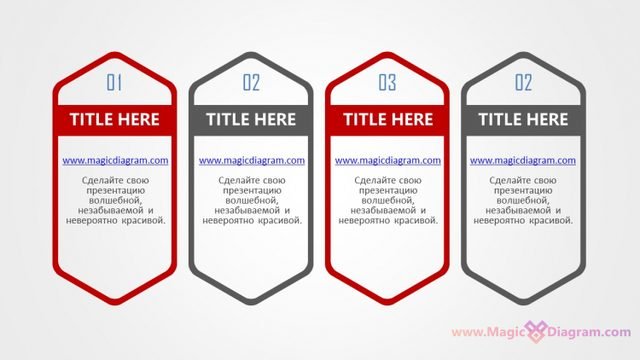
Free PowerPoint infographics from MagicDiagram, our sister site. Download a slide, paste it into your presentation, and replace the text.

Advertisement
16:9 format: Download template 1078-en.pptx
This PowerPoint template is free for personal and commercial projects. A link back to PowerPointBase as the source is appreciated.
Please do not repost our templates or other materials on other websites.