Шаблон PowerPoint №1149
Шаблон PowerPoint №1148

Шаблон PowerPoint №1147
Шаблон PowerPoint №1146
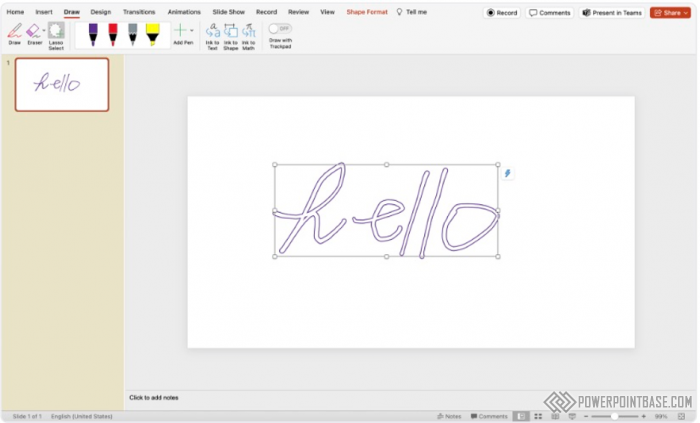
Adding Personal Touches with Ink Annotations in PowerPoint
Ink Annotations in PowerPoint allow you to add handwritten notes and drawings to your slides. This feature is particularly useful for making real-time annotations during presentations, adding a personal touch and enhancing engagement.
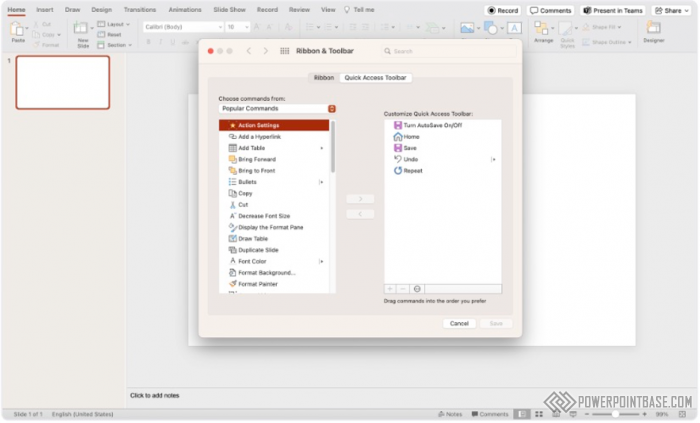
Customizing the Quick Access Toolbar for Ultimate Efficiency
The Quick Access Toolbar in PowerPoint allows you to customize and access your most frequently used commands quickly. This feature streamlines your workflow and enhances productivity by providing easy access to essential tools.
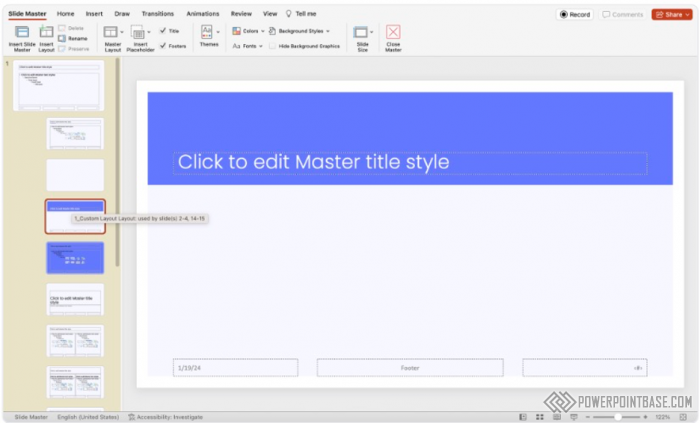
How Slide Master Can Transform Your Presentation Design
Using Slide Master in PowerPoint allows you to create consistent and cohesive designs across your entire presentation. This feature ensures that your slides have a uniform look and feel, enhancing the overall professionalism of your presentation.
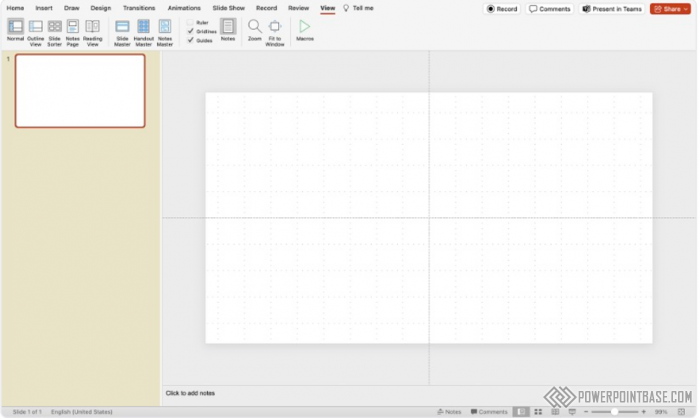
Mastering Grid and Guidelines in PowerPoint
The Grid and Guidelines feature in PowerPoint helps you achieve precise alignment and positioning of objects on your slides. This tool ensures that your slides are visually balanced and professional-looking.
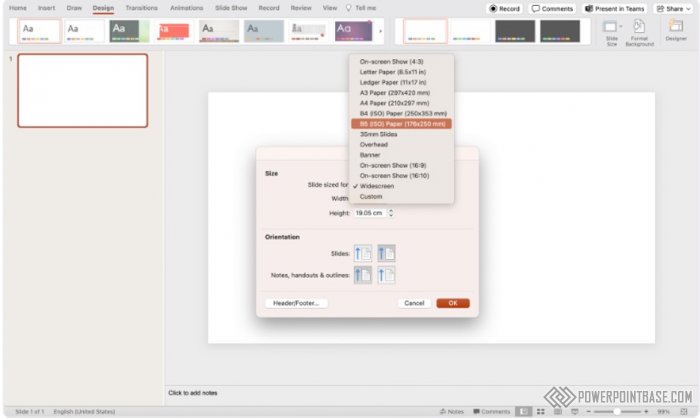
The Power of Custom Slide Sizes for Perfect Fit
Custom slide sizes in PowerPoint allow you to create presentations tailored to specific display requirements. This feature ensures that your slides fit perfectly on any screen or medium, enhancing the visual impact of your presentation.
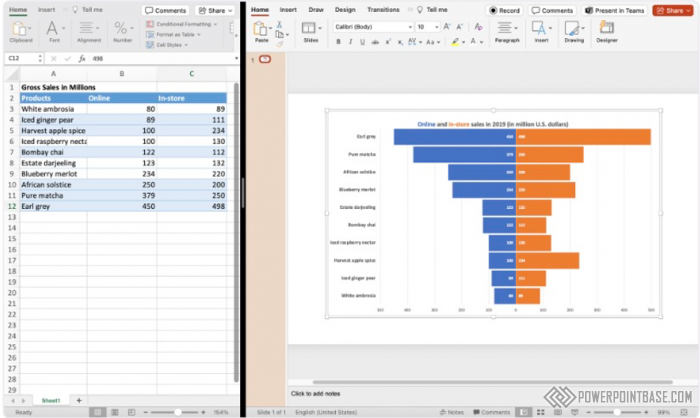
How to Link Excel Charts to PowerPoint for Instant Updates
Linking Excel charts to PowerPoint allows you to incorporate real-time data into your presentations. This feature ensures that your charts and graphs are always up-to-date, reflecting the latest information and trends.

The Magic of Animation Painter Revealed
The Animation Painter tool in PowerPoint is a time-saving feature that allows you to copy animations from one object to another. This ensures consistency across your slides and streamlines the process of creating complex animations.
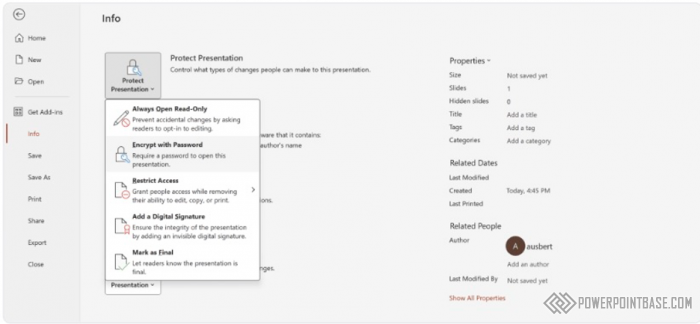
The Essential Guide to Password Protecting Your Presentations
Password protection in PowerPoint is a crucial feature for safeguarding your presentations. By adding a password, you can control access to your slides, ensuring that nly authorized individuals can view or edit your content.

Enhance Your Presentations with Live Captions and Subtitles
Live Captions and Subtitles in PowerPoint are features designed to make presentations more accessible to all audiences. These tools provide real-time captions and subtitles, enhancing comprehension for non-native speakers and individuals with hearing impairments.
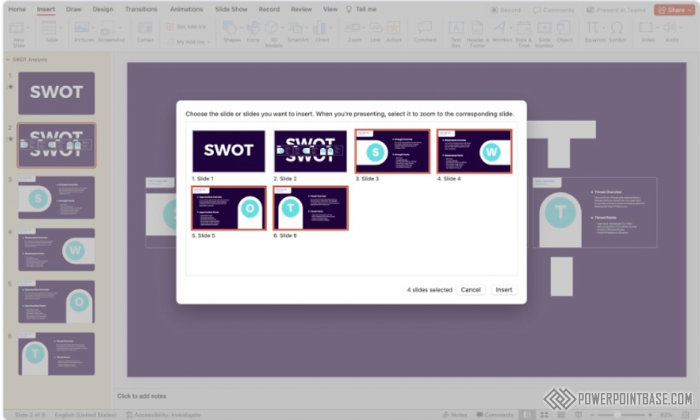
How to Use Slide Zoom for Maximum Engagement
Slide Zoom in PowerPoint is a dynamic tool that allows you to create interactive and non-linear presentations. This feature enables you to zoom in and out of slides, creating a more engaging and flexible presentation experience.